Minecraft launcher
Your own instances.
In a couple of clicks.
The game, loaders, mods and Java install themselves. Free, open source, no ads.
Windows 10 and 11, 64-bit
macOS and Linux — coming soon

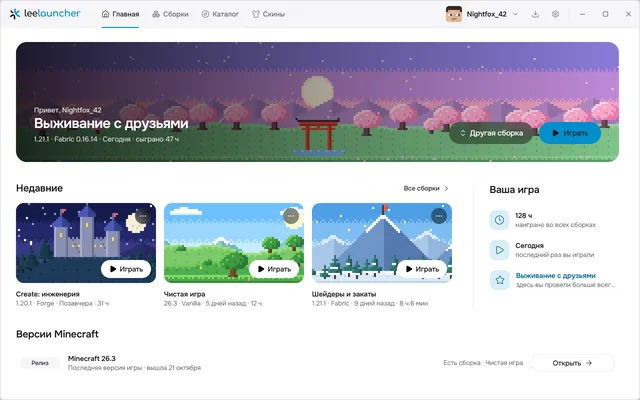
Everything to play. Nothing extra.
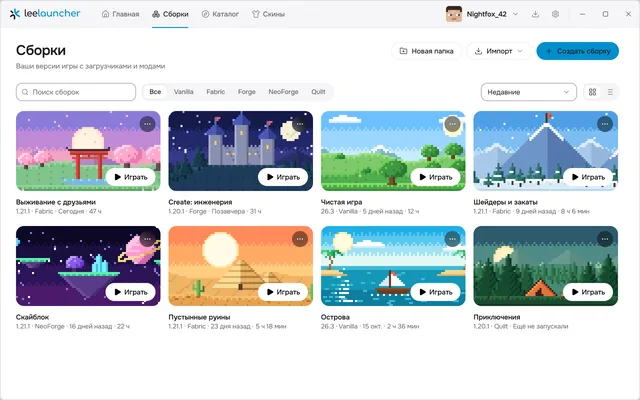
Instances for every taste
Vanilla, Fabric, Forge, NeoForge and Quilt. Pick a version and the launcher downloads the game, the loader and the right Java for you.
Mods from Modrinth and CurseForge
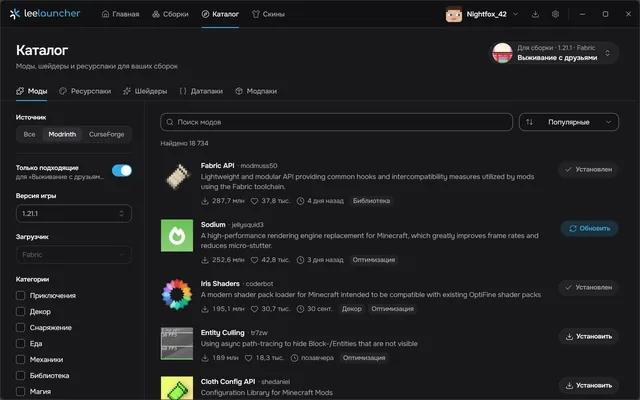
Mods, shaders, resource packs, data packs and worlds in one catalog. Dependencies install along with the mod, updates take one click.
Modpacks
Install from the catalog or from a .mrpack file, update, or roll back to the previous version.
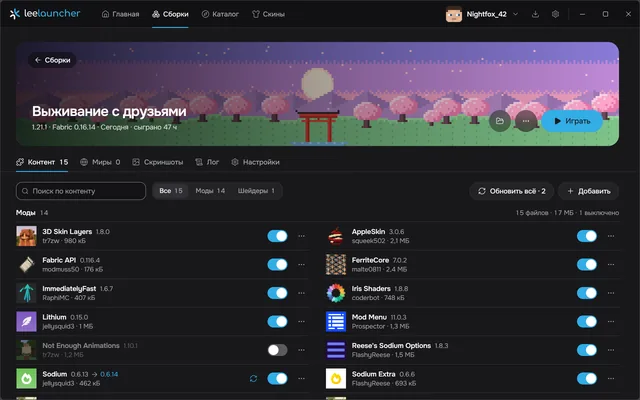
Everything about an instance on one page
Mods, worlds, screenshots, the game log and settings: memory, Java, window size.
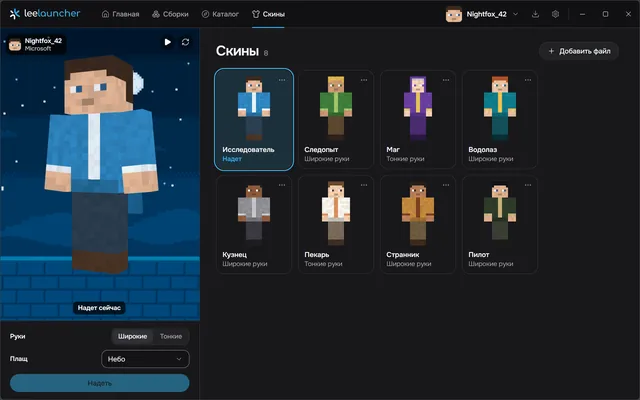
Skins and capes in 3D
Try on skins from your collection and pick a cape for your Microsoft account.
Accounts
Sign in with Microsoft or just with a nickname, keep several accounts and switch in a click.
Keeps itself up to date
A new version installs in a couple of clicks, your instances and accounts stay put.
Two themes, two languages
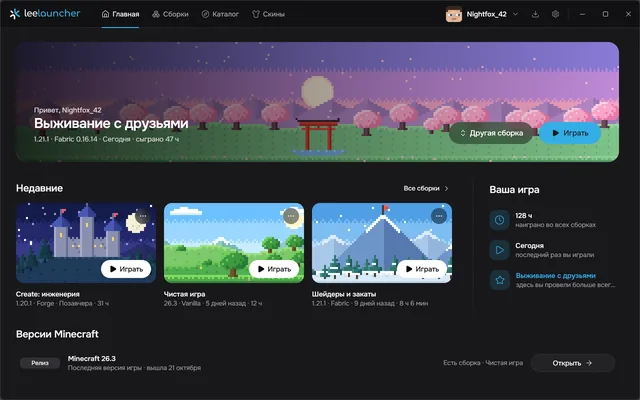
Dark and light, Russian and English.
Open source
GPL-3.0 license, source on GitHub.
Free. Open source. No ads, no telemetry.
The launcher sends nothing about you and shows no banners.
How it looks
Screenshots show the Russian interface; English is built in.
Install
Takes a minute. No admin rights needed.
Requirements
- Windows 10 or 11, 64-bit
- An internet connection the first time you launch an instance: the game, the loader and Java are downloaded once
Download the installer
The button on this page takes the latest version straight from the GitHub releases. The file is called LeeLauncher-Setup-{version}.exe.
Run it
The launcher installs for your user only. If WebView2 is missing, the installer downloads and installs it for you.
Sign in and play
With Microsoft or a nickname. The launcher downloads the game, the loader and Java the first time you launch an instance.
The blue “Windows protected your PC” window
That’s how Windows greets apps without a paid code signing certificate, and small open source projects usually don’t have one. Click “More info”, then “Run anyway”. The launcher is open source, and the installer is built by GitHub Actions straight from the repository.
Questions
Didn’t find an answer? Ask in GitHub issues (opens in a new tab).